
Crop Image Precisely
Crop your images precisely with custom dimensions, aspect ratio controls, and an easy-to-use crop area.
Upload Image
Drag & drop your image here or click to browse
Supported formats: JPG, JPEG, PNG, WebP, GIF, BMP, AVIF
Your images are processed locally in your browser and are never uploaded to our server.
Crop Image Precisely
Crop your images precisely with custom dimensions, aspect ratio controls, and an easy-to-use crop area.
Processing...
100%
Filename: -
Dimensions: -
File Size: -
Format: -
Crop Presets
Aspect Ratio
Crop Coordinates & Size
Grid & Guides
Output Settings
Developed with ❤️ by Tool Kendre
Introduction
“Crop Image Precisely” is a free, easy-to-use online image cropping tool that helps you accurately crop any image in seconds. Whether you need to remove unwanted parts of a photo, reduce excess empty space, crop an image to a specific size, or adjust it to a particular aspect ratio, this tool is highly useful. It allows you to upload your image directly within the browser and then drag or resize the cropping area visually. The tool supports popular image formats such as JPG, JPEG, PNG, WebP, GIF, BMP, and AVIF.
This online image cropper tool offers not only basic cropping options but also advanced controls for precise editing. You can manually enter the X and Y positions, as well as the width and height, of the crop area, allowing you to crop the image to exact pixel dimensions. If you need to crop the image using a fixed ratio, options such as 1:1, 4:3, 3:4, 3:2, 2:3, 16:9, 9:16, and 21:9 are available; a custom aspect ratio option is also provided. You can use this tool without creating an account and download the customized image with a single click—all without any watermarks being added.
This tool can be useful for social media posts, profile pictures, website images, blog thumbnails, product photos, and personal photographs. Before cropping, you can zoom, rotate, and flip the image horizontally or vertically, making it easier to position it perfectly. Crop images precisely.
Once you upload an image to the tool, you retain full control over it; the tool does not automatically apply any customizations to the image.
Advanced grid guides, such as the Rule of Thirds and Center Cross, are available to help you accurately set the image composition. After cropping, you can choose the output format—PNG, JPG, or WebP. Quality control options are available for JPG and WebP formats, and you can also customize the output width and height. The ‘Crop Image Precisely’ tool operates without reloading the page, thereby saving you time.
Features of Crop Image Precisely
- Precise Image Cropping
- Multiple Image Formats
- Custom Crop Dimensions
- Aspect Ratio Presets
- Custom Aspect Ratio
- Zoom Controls
- Rotate Image
- Flip Image
- Grid Guides
- Quality Control
- Local Browser Processing
How to Use This Tool
- Upload Image
- Select Crop Area
- Adjust Crop
- Choose Ratio
- Edit Image
- Set Output
- Crop & Download
Example Calculation:
| Crop X | Crop Y | Crop Width | Crop Height | Aspect Ratio |
|---|---|---|---|---|
|
200 px |
100 px |
800 px |
600 px |
800 ÷ 600 = 4:3 |
Result:
| Original | Cropped | Final |
|---|---|---|
|
1920 × 1080 px |
800 × 600 px |
800 × 600 px JPG |
Benefits of Crop Image Precisely
- Easy image cropping
- Precise pixel cropping
- Custom crop area
- Multiple aspect ratios
- Quick image editing
- JPG, PNG & WebP support
- Zoom & rotate options
- Horizontal & vertical flip
- Custom output size
Frequently Asked Questions (FAQs)
What is 'Crop Image Precisely'?
It is an online image cropping tool.
Which formats are supported?
JPG, PNG, WebP, GIF, BMP & AVIF.
Is the aspect ratio available?
Yes, 1:1, 4:3, 16:9, etc.
Can a custom ratio be set?
Yes, custom ratios are available.
Can the output size be set?
Yes, set the width and height.
You May Also Like
Explore more useful tools to simplify your everyday tasks.
Car Loan Calculator
Check Your Vehicle EMI.
Rotate Image Angles
Rotate Images Easily.
Pound To KG Convert
Convert Pounds To KG.
CSS Code Minifier
Minify CSS Code.
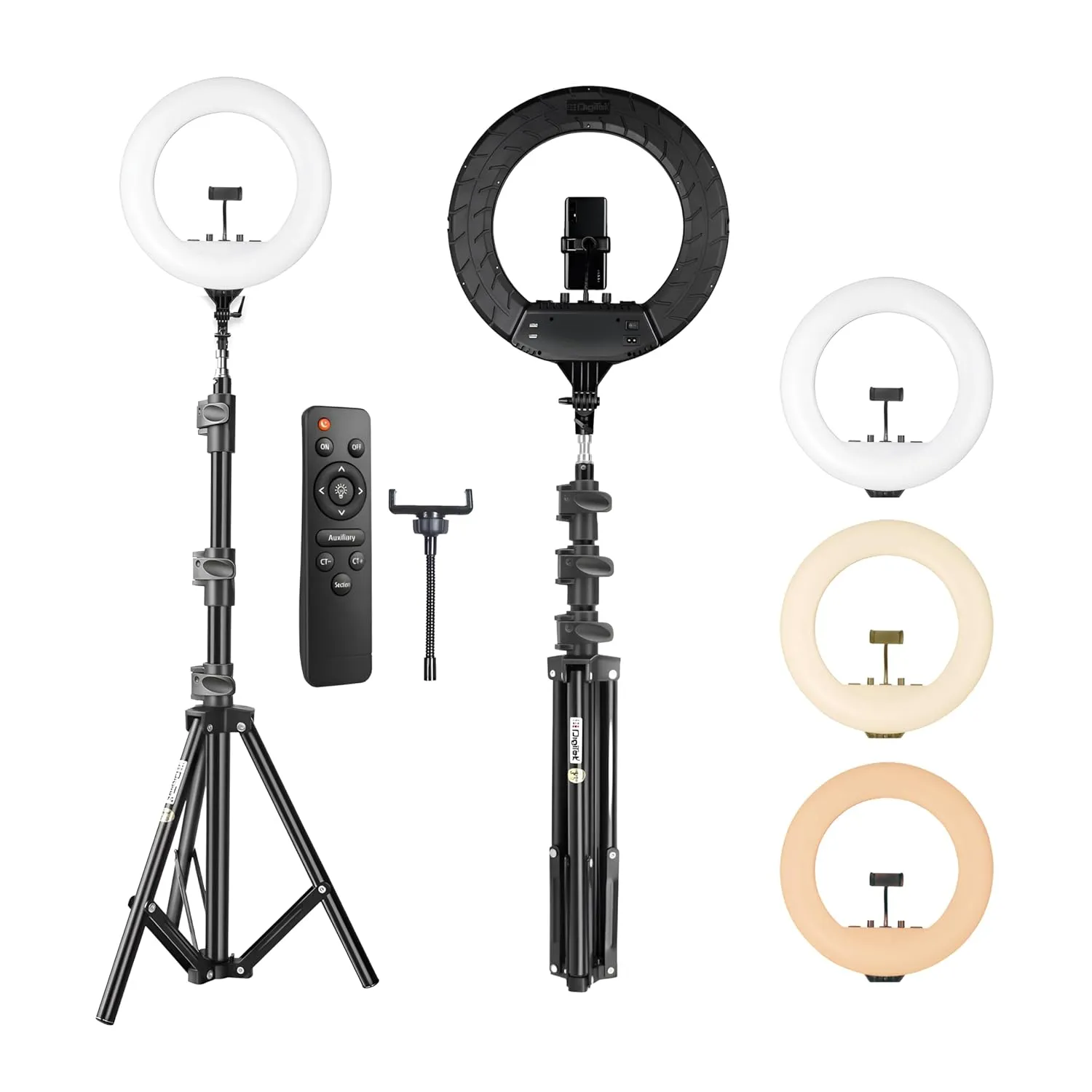
DIGITEK 18" LED Ring Light with Stand
- 60W Bright LED Light
- 2700K–5600K Dual Color
- 250cm Adjustable Stand