
Resize Image Dimensions
Resize image width and height online with precise dimensions while maintaining quality and aspect ratio.
Drag & Drop your image here
or browse to choose from your device
Supports JPG, JPEG, PNG, WEBP, GIF, BMP
image.jpg
0 × 0 • 0 MB
Resize Controls
Please enter valid dimensions between 1 and 10,000 px.
100%
Output Settings
90%
#FFFFFF
Image Preview
Original: 0 × 0
Resized: 0 × 0
Output Size: 0 KB
Developed with ❤️ by Tool Kendre
Introduction
If you want to change the width and height of an image, the ‘Resize Image Dimensions’ tool from Tool Kendre is an easy, secure, and reliable option. It is a simple yet useful online tool that helps you resize your images to the required dimensions. With this tool, you can manually resize your image to exact pixel dimensions or adjust its size by increasing or decreasing it based on a percentage.
This “Resize Image Dimensions” tool is helpful for users who need to maintain specific image sizes for websites, social media, documents, presentations, e-commerce listings, blogs, or other digital projects. It is a free resize image dimensions online tool that you can use without needing to create an account or sign up. With the Resize Image Dimensions tool, you can easily upload images from your device. You can upload an image directly using the drag-and-drop option or select one using the “Choose Image” button. The tool supports popular image formats such as JPG, JPEG, PNG, WEBP, GIF, and BMP, providing high-quality resized images in all these formats—completely free of watermarks.
After uploading the image, the tool displays its original width, height, and file size. You can then select the ‘Exact Dimensions’ mode and enter your desired width and height in pixels. If you wish to maintain the image’s original proportions, a ‘Lock Aspect Ratio’ option is available; this ensures that when you change the width or height, the other dimension is calculated automatically.
If you do not want to enter exact pixel values, you ca n use the Percentage mode. In this mode, you can resize the image based on a percentage using a slider. The tool also offers ready-made presets, such as 1920 × 1080 Full HD, 1280 × 720 HD, 1080 × 1080 Square, 1080 × 1350 Portrait, and 1080 × 1920 Story.
Features of Resize Image Dimensions
- Exact Dimensions Resize
- Percentage Resize
- Lock Aspect Ratio
- Multiple Image Formats
- Preset Dimensions
- Output Format Selection
- Quality Control
- Live Image Preview
- Image Information
- Easy Download
How to Use This Tool
- Upload image
- Select Race Mode
- Enter dimensions
- Lock aspect ratio
- Select the percentage
- Select a preset
- Choose the output format
- Adjust quality
- Press the Resize Image button
- Check the preview
- Download Resized File
Example Calculation:
| Original Dimensions | Resize Mode | Target Dimensions | Output |
|---|---|---|---|
|
4000 × 3000 px |
Exact |
1200 × 900 px |
1200 × 900 px |
Result:
| Original Size | Width | Height | Final Size |
|---|---|---|---|
|
4000 × 3000 px |
1200 px |
900 px |
1200 × 900 px |
Benefits of Resize Image Dimensions
- Easy to Use
- Precise Dimensions
- Aspect Ratio Protection
- Flexible Resizing
- Ready-Made Presets
- Multiple Formats
- Quality Control
- Preview Before Download
- Quick Workflow
- Useful for Multiple Purposes
Frequently Asked Questions (FAQs)
What are resize image dimensions?
This tool easily resizes the width and height of the image.
Can the exact size be set?
Yes, you can manually set the width and height in pixels.
Are percentage-based rates available?
Yes, you can resize the image from 1% to 200%.
What is the aspect ratio?
It helps maintain the image’s original proportions.
Can the image quality be set?
Yes, you can adjust the quality for supported formats.
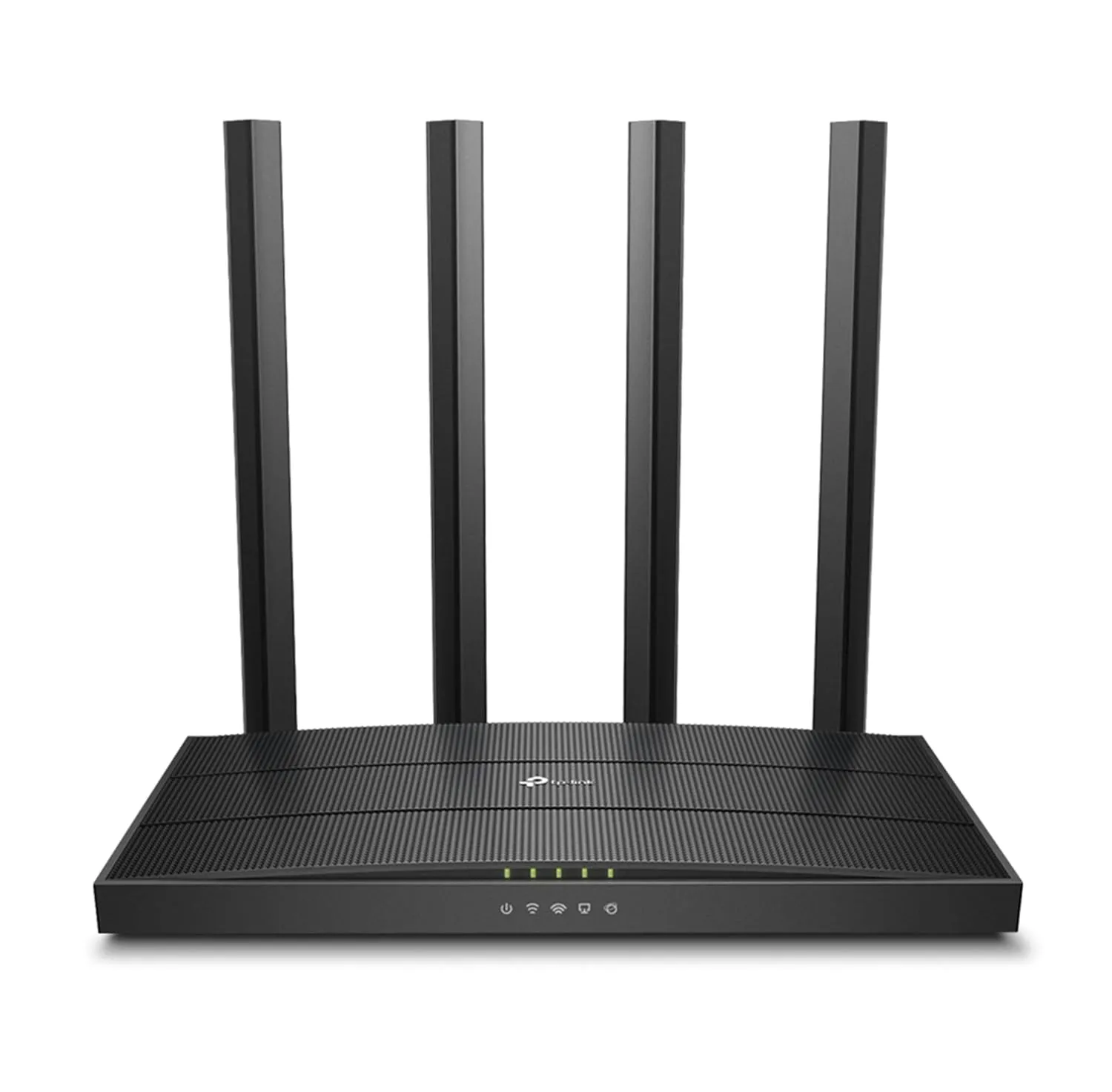
TP-Link Archer C6 Router
- AC1200 Dual-Band Wi-Fi
- MU-MIMO & Beamforming
- Easy Setup with Tether App