
Rotate Image Angles
Precisely rotate, level, and orient your images instantly in the browser.
Drag & drop your image here
Supports JPG, PNG, WebP, GIF, BMP
Browse Image
Rotation Angle
0°
Presets
Background Color
Output Format
Quality
90%
Name:
-
Type:
-
Dimensions:
-
Size:
-
Developed with ❤️ by Tool Kendre
Introduction
The Rotate Image Angles tool is a simple, secure, fast, and easy-to-use online tool that allows you to precisely rotate, straighten, and re-orient your images. Whether your photo is sideways, slightly tilted, or you simply want to rotate an image to a specific angle, this tool is incredibly useful. It enables you to rotate your images directly in your browser without the need to install any complex image editing software.
You can upload common image formats—such as JPG, PNG, WebP, GIF, and BMP—to the Rotate Image Angles tool. The tool preserves image quality during the process, ensuring you receive a high-quality image after rotation. To upload an image, you can simply use the “Browse Image” option or drag and drop the image directly into the upload area. Once uploaded, the tool displays a preview and provides controls for rotating your image.
One of the most useful features of the Rotate Image tool is the custom rotation angle option. You can rotate the image to any angle you prefer, ranging from -360° to 360°. If you need an exact angle—such as 25°, 45°, or 90°—you can set it using the slider or by entering the specific value. The tool also offers ready-made rotation presets for -180°, -90°, -45°, -30°, -15°, 0°, 15°, 30°, 45°, 90°, 180°, and 360°.
If you need to rotate an image quickly, you can use the Left 90° and Right 90° buttons. The Reset Angle option allows you to instantly revert the rotation to 0°. You can use the Rotate Image Angles tool without creating an account and download the rotated image—completely free of charge and without any watermark. The Rotate Image Angles tool also provides an “Expand Canvas to Fit Rotation” option during image rotation. This allows the canvas dimensions to be adjusted to fit the rotated image.
Features of Rotate Image Angles
- Custom Rotation Angle
- Rotation Slider
- Exact Angle Input
- Quick Rotation Presets
- Canvas Expansion
- Background Color
- Multiple Output Formats
- Quality Control
- Live Image Preview
- Image Information
How to Use This Tool
- Upload image
- Select the rotation angle
- Use a preset
- Adjust Canvas & Background
- Select the output format
- Set quality
- Download the image
Example Calculation:
| Original image | Angle | Canvas |
|---|---|---|
|
1200 × 800 px |
90° |
ON |
Result:
| Input | Rotation | Output | Format | Quality |
|---|---|---|---|---|
|
1200 × 800 px |
90° |
800 × 1200 px |
JPG |
90% |
Benefits of Rotate Image Angles
- Easy Image Rotation
- Precise Angle Control
- Quick Presets
- Multiple Image Formats
- Canvas Control
- Custom Background
- Quality Adjustment
- Fast & Convenient
- Browser-Based Workflow
Frequently Asked Questions (FAQs)
What is the Rotate Image Angles tool?
It is a simple tool for rotating images online.
By how many degrees can it rotate?
-From -360° to 360°.
Can you set the exact angle?
Yes, using a slider or number input.
Is a 90° rotation possible?
Yes, there are 90° Left and Right options.
Which formats are supported?
JPG, PNG, WebP, GIF, and BMP.
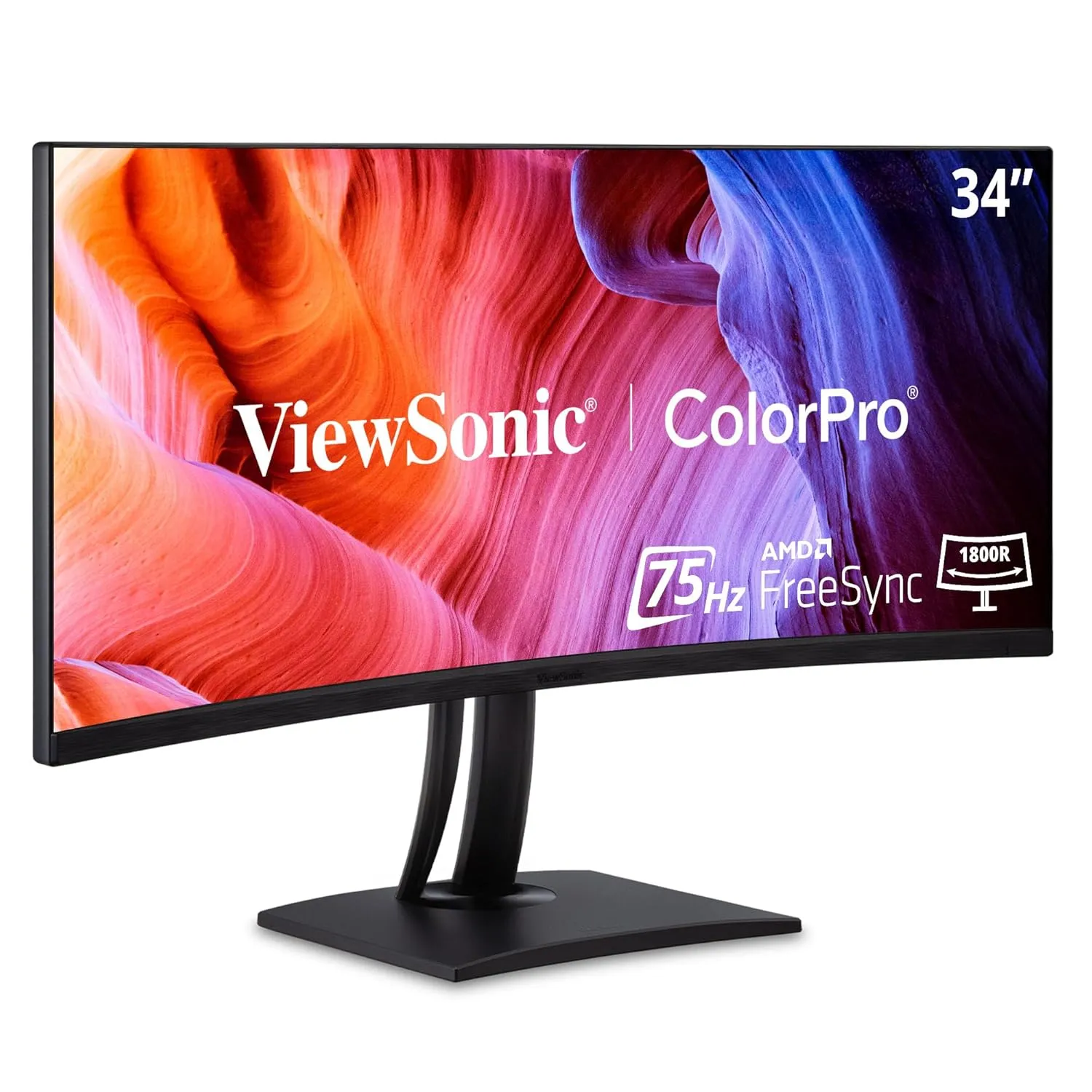
ViewSonic ColorPro 34" Curved Monitor
- 34" UWQHD Curved Display
- 100% sRGB Color Accuracy
- 99W USB-C Docking