
Convert JPG to PDF
An error occurred.
Upload Your JPG Images
Convert JPG images into a PDF document directly in your browser.
Supported formats: JPG, JPEG • Drag & drop supported • Multiple files allowed
Developed with ❤️ by Tool Kendre
0 Images Selected
Drag cards to reorder images before conversion.
PDF Conversion Settings
Developed with ❤️ by Tool Kendre
Creating PDF...
Processing image 1 of 1
0%
PDF Created Successfully
8 JPG Images converted to jpg-images.pdf
Developed with ❤️ by Tool Kendre
Introduction
The Convert JPG to PDF is a simple, secure, fast, and easy-to-use online tool that allows you to convert your JPG and JPEG images into a professional PDF document for free. If you have multiple JPG images and wish to combine them into a single PDF file, this Convert JPG to PDF
tool offers a useful solution. With its help, you can upload multiple JPG images simultaneously to create an organized PDF document.
With this converterJPG to PDF, you can directly select JPG/JPEG images from your computer or mobile device. The tool also features a drag-and-drop upload option, making it even easier to add images. You can upload a single image or multiple JPG images. Once uploaded, the tool displays useful details such as a preview, image name, dimensions, and file size.
If you are converting multiple images into a PDF simultaneously, the order of the images is crucial. Therefore, the tool includes an option to reorder images by dragging them; you can also remove unwanted images or add more as needed. You can use the Convert JPG to PDF tool without any login or sign-up, and download the resulting PDF file—whether large or small—with a single click, completely free of watermarks.
With the JPG to PDF conversion tool, you can select key settings—such as PDF page size, orientation, image fit, margins, and quality—to suit your document before generating the PDF. Useful page size options like A4, A3, Letter, Legal, and Auto/Image Size are available, while orientation choices include Auto, Portrait, and Landscape. This online converter is highly beneficial for students, office professionals, freelancers, photographers, and general users alike. You can organize scanned documents, photos, certificates, notes, receipts, or other JPG images into a single PDF file.
Features of Convert JPG to PDF
- JPG to PDF Conversion
- Multiple JPG Upload
- Image Preview
- Image Reordering
- A4 PDF Size
- Multiple Page Sizes
- Portrait & Landscape
- Image Fit Options
- Custom Margins
- PDF Quality Control
- Progress Indicator
- PDF Download
How to Use This Tool
- Upload JPG images
- Check the images
- Set the image order
- Choose PDF settings
- Convert JPG to PDF
- Download PDF
Example Calculation:
| JPG Images | Image 1, Image 2 | PDF Page Size | Image Fit | Margin | PDF Quality |
|---|---|---|---|---|---|
|
2 |
1200 × 800 px and 1600 × 1200 px |
A4 |
Fit to Page |
Small |
High |
Result:
| PDF Pages | PDF Format | Image Placement | PDF Margin | PDF Quality | Final Result |
|---|---|---|---|---|---|
|
2 |
A4 |
Fit to Page |
Small |
High |
2 JPG Images → 1 PDF File → 3 Pages |
Benefits of Convert JPG to PDF
- Easy JPG to PDF conversion
- Multiple images support
- Easy image reordering
- Multiple PDF sizes available
- Portrait & Landscape support
- Flexible image fit options
- Custom margin settings
- Adjustable PDF quality
- Direct PDF download
Frequently Asked Questions (FAQs)
What is Convert JPG to PDF?
It is an online tool for converting JPG images to PDF.
Can you convert multiple JPEGs?
Yes, you can convert multiple JPEG images into a single PDF.
Can the image order be changed?
Yes, you can change the order by dragging the images.
Is the A4 PDF available?
Yes, along with A4, A3, Letter, and Legal sizes are also available.
Can the PDF margins be changed?
Yes, No, Small, Medium, and Large margins are available.
You May Also Like
Explore more useful tools to simplify your everyday tasks.
eBay Fee Calculator
Calculate Your Selling Fees.
Crop Image Precisely
Trim Image Areas.
KM To Miles Convert
Convert KM To Miles.
CSS Code Minifier
Minify CSS Code.
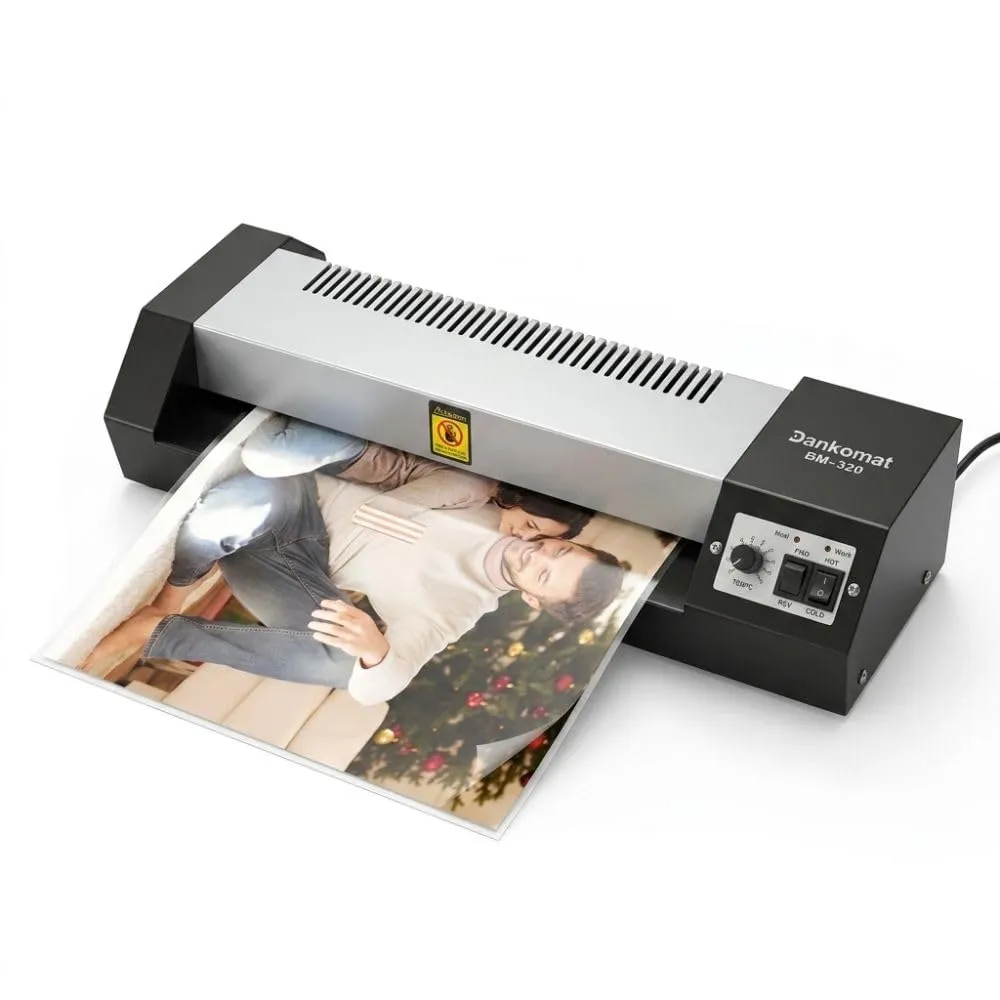
Professional Laminator Machine
- Hot & Cold Lamination Modes
- Fast & Smooth Lamination
- Temperature Control System