
PNG to WebP Converter
Convert PNG images into optimized WebP format instantly.
Drag & Drop PNG Image
Supported Format: PNG | Maximum Size: 15 MB
Original Image
Output Settings
WebP Quality
80%
Recommended Quality: 80% — Best balance between quality & size.
Original
0 KB
↓
Estimated WebP
~0 KB
Preparing...
✔ Conversion Successful
✔ Web Optimized
✔ 0% Storage Saved
PNG (Original)
WEBP (Converted)
Developed with ❤️ by Tool Kendre
×
![Full Screen Preview]()
Introduction
The PNG to WebP Converter is a fast, secure, and easy-to-use online tool that converts your PNG images into high-quality WebP format in seconds. If you are a website owner, blogger, graphic designer, WordPress user, or digital marketer, image optimization is crucial for you. Large PNG image files can slow down website loading speeds and fail to load correctly, negatively impacting both user experience and SEO. With this PNG to WebP Converter tool, you can convert PNG images into the optimized WebP format without altering resolution, pixels, or quality; this significantly reduces file size while maintaining image quality.
This converter utilizes browser-based technology, so your image is not uploaded to any external server. The entire conversion process takes place within your browser, ensuring your data remains private and secure. The PNG to WebP Converter tool offers premium features such as drag-and-drop uploading, a live image preview, a quality slider, compression presets, estimated output size, image statistics, and instant downloads, making the conversion process smoother and more professional.
With the PNG to WebP Converter, you can preview the image before conversion and check details such as the original file size, resolution, megapixels, and aspect ratio. Using the quality slider and various compression modes, you can select the optimal balance for your PNG images based on your specific requirements.
Once the conversion is complete, the tool displays a comparison between the original and converted images, along with details like file size reduction, compression ratio, and processing time, giving you a clear idea of how well the image has been optimized. You can use the PNG to WebP Converter tool and download the converted images for free, without needing to sign up or log in.
Features of PNG to WebP Converter
- Fast PNG to WebP conversion
- High-quality WebP output
- Drag & Drop upload
- Live image preview
- File size & resolution details
- Quality slider (10%–100%)
- Multiple compression modes
- Keep original resolution
- Live size estimation
- Before & After comparison
- Processing time display
How to Use This Tool
- Upload your PNG image
- Check the image preview
- Select WebP quality
- Choose a compression mode
- Click Convert to WebP
- Wait for processing
- Compare both images
- Check file size reduction
- Rename the file (optional)
- Click Download WebP
Example Calculation:
| Original Image | Original Size | Selected Quality |
|---|---|---|
|
Product-Image.png |
3.20 MB |
Balanced (80%) |
Result:
| Output Format | Output Size | Space Saved | Resolution | Processing Time |
|---|---|---|---|---|
|
WebP |
520 KB |
83.75% |
1920 × 1080 px |
1.2 Seconds |
Benefits of PNG to WebP Converter
- Faster image conversion
- Better image quality
- Faster website loading
- Improved SEO performance
- Better Core Web Vitals
- 100% private conversion
- No server upload
- Keep original resolution
- Live image preview
- Before & After comparison
- No watermark
- No sign-up required
Frequently Asked Questions (FAQs)
What is a PNG to WebP Converter?
The PNG to WebP Converter is an online tool that converts PNG images into the compressed and optimized WebP format, thereby reducing file size while maintaining image quality.
Is this PNG to WebP Converter free to use?
Yes, this tool is completely free, and no registration or subscription is required.
Are my images uploaded to the server?
No. This is a browser-based converter, so image processing takes place directly within your device’s browser, and your files remain private.
Is the image quality good?
You can control the image quality using the quality slider and compression preset. Balanced mode offers the best combination of quality and file size.
What is the benefit of using the WebP format?
WebP images are generally smaller than PNGs, which leads to faster website loading, storage savings, and improved SEO performance.
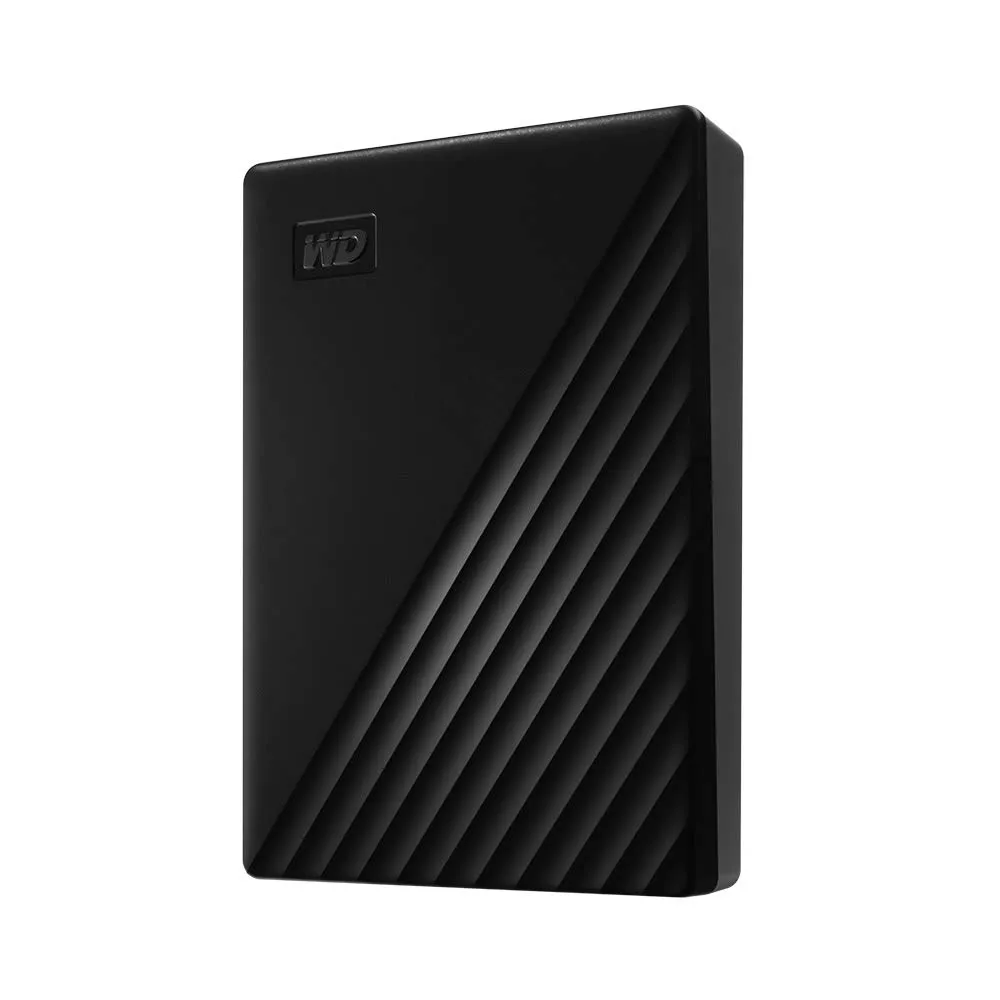
WD My Passport Portable HDD
- 5TB Portable Storage
- USB 3.0 High-Speed
- Secure Auto Backup