
JPG to BMP Converter
Convert JPG images securely in your browser.
Drag & Drop your JPG image here
Supports .jpg, .jpeg files up to 50MB
Original Image
File Name
-
File Size
-
Dimensions
-
Resolution
72 DPI
Megapixels
-
Format
JPG
Aspect Ratio
-
Color Profile
sRGB
Status
Ready
Conversion Successful
BMP Image
Original Size
-
Converted Size
-
Output Format
BMP
Dimensions
-
Resolution
72 DPI
Megapixels
-
Processing Time
-
Color Depth
24-bit
Developed with ❤️ by Tool Kendre
Introduction
If you want to convert your JPG image to BMP (Bitmap) format, our JPG to BMP Converter is a fast, secure, and completely free online tool. With this tool, you can convert any JPG or JPEG image into a high-quality BMP file without installing any software. Whether you need a bitmap image for a Windows application, are working on graphic design, need to prepare an uncompressed image for printing, or require the BMP format for legacy software, this tool is perfect for every situation.
JPG is a compressed image format that keeps file sizes small, though the compression can result in a slight loss of image quality. In contrast, BMP is an uncompressed raster image format that preserves every pixel of the image. This makes BMP images highly useful for tasks such as editing, printing, digital artwork, image processing, and software development. You can use our JPG to BMP converter tool without creating an account, and it ensures that image quality is fully maintained.
Our JPG to BMP Converter is a browser-based tool, meaning your images are not uploaded to any server. The entire conversion process takes place within your browser, ensuring your privacy and data security. You can use this tool without worry when converting confidential documents, personal photos, or business graphics. Additionally, the tool does not reload after the image is uploaded, which saves you time.
If you are looking for a reliable, secure, and high-quality online JPG to BMP converter, then this tool is the best choice for you. No registration, no watermarks, and no hidden charges. Simply upload your image, click the convert button, and instantly download the high-quality BMP image.
Features of JPG to BMP Converter
- 100% Free
- High-Quality BMP
- Fast Conversion
- Secure Processing
- No Watermark
- 24-bit Color Depth
- 32-bit Color Depth
- Aspect Ratio Preserved
- Custom File Name Option
- One-Click Download
- Instant Results
- Unlimited Conversions
How to Use This Tool
- Click Browse JPG Image
- Or drag and drop the image
- Upload a JPG/JPEG image
- Select 24-bit or 32-bit
- Click 'Convert Image
- Check the BMP preview
- Enter a custom file name (optional)
- Click 'Download BMP
- Use 'Copy Details' if needed
Example Calculation:
| File Format | Image Size | Resolution | Color Depth Selected |
|---|---|---|---|
|
JPG |
2.30 MB |
1920 × 1080 px |
24-bit |
Result:
| Output Format | Resolution | Aspect Ratio | Color Depth | Processing Time | Status |
|---|---|---|---|---|---|
|
BMP |
1920 × 1080 px |
Preserved |
24-bit |
Few Seconds |
Ready for Download |
Benefits of JPG to BMP Converter
- High-Quality Output
- No Quality Loss
- Original Resolution
- Aspect Ratio Preserved
- Fast Conversion
- Unlimited Conversions
- No Registration
- No Watermark
- Secure Processing
- Easy for Beginners
- Instant Download
- Privacy Friendly
Frequently Asked Questions (FAQs)
What is a JPG to BMP Converter?
This is an online tool that converts JPG or JPEG images into BMP (bitmap) format.
Is this tool free?
Yes, this tool is 100% free and supports unlimited conversations.
Or will my image remain secure?
Exactly. Processing takes place within the image browser, and the image is not uploaded to the server.
Will the image quality be Red-like?
No. In the BMP format, the image is converted at its original resolution.
Is installation required?
No. This is a browser-based online JPG-to-BMP converter, so there is no need to install any software.
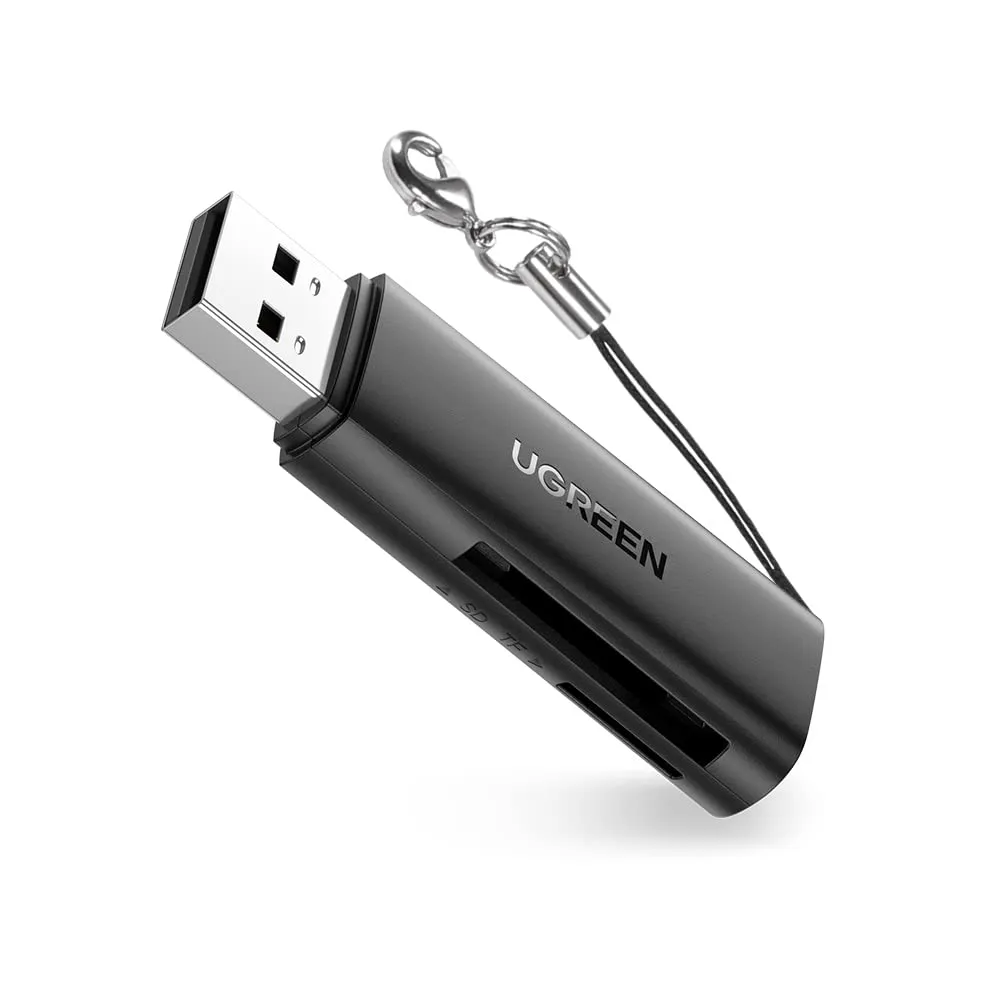
UGREEN USB 3.0 Card Reader
- USB 3.0 High-Speed Transfer
- SD & microSD Card Support
- Plug & Play, No Driver Needed