
PDF File Splitter
Split your PDF files securely right inside your browser
Drop your PDF here
or
Maximum file size: 50 MB
filename.pdf
0 KB • 0 pages • PDF Document
Split Method
Use commas for separate pages or ranges. Example: 1-3, 5, 8-10
Split the PDF into smaller files containing the selected number of pages each.
Enter individual pages separated by commas.
Split Summary
Total Pages: 0
Output Files: 0
Page Groups:
Splitting PDF...
PDF Split Successfully
Developed with ❤️ by Tool Kendre
Introduction
The PDF File Splitter is a simple, reliable, and useful online tool that allows you to split a large PDF file into multiple smaller files based on your requirements—all within seconds. If you have a PDF document with many pages and need to extract or separate only specific ones, this tool can make the task incredibly easy. It has been designed with a simple interface so that even beginners can separate PDF pages without needing complex software.
The tool offers three different PDF splitting methods for your file: Split by Page Ranges, Split Every N Pages, and Extract Selected Pages. With the ‘Split by Page Ranges’ option, you can create separate PDF files for specific page groups by entering ranges like 1-3, 5, and 7-9. The ‘Split Every N Pages’ option allows you to divide the PDF into groups of a fixed number of pages; for instance, if a PDF has 12 pages and you select 3 pages per PDF, the tool will generate 4 separate PDF files.
This tool accepts PDF files up to 50 MB and processes them directly in the browser. After you upload the PDF, the tool automatically detects the total number of pages and displays a split summary—showing the total page count, output files, and selected page groups. You can use this PDF splitter without creating an account and download the resulting PDFs—completely free of charge and without any watermarks—with just a single click.
Once the split process is complete, you can download each generated PDF individually or use the “Download All” option to download all the generated PDF files. Therefore, if you need to quickly separate, extract, or divide PDF pages, the PDF File Splitter is a convenient browser-based solution.
Features of PDF File Splitter
- Split by Page Ranges
- Split Every N Pages
- Extract Selected Pages
- Automatic Page Detection
- Split Summary
- Individual Download
- Simple Interface
- Multiple Output PDFs
- 50 MB File Limit
How to Use This Tool
- Upload PDF
- Check the PDF information
- Select the splitting method
- Split by Page Ranges
- Split Every N Pages
- Extract Selected Pages
- Check the split summary
- Click the Split PDF button
- Download PDF
Example Calculation:
| PDF File Name | Total Pages | Pages per PDF | Output Files |
|---|---|---|---|
|
document.pdf |
1 |
1 |
1 |
Result:
| Output Format | Pages | Size | Status |
|---|---|---|---|
|
document-page-1.pdf |
1 |
105 KB |
Ready for Download |
Benefits of PDF File Splitter
- Split large PDFs
- Extract pages
- Select ranges
- Split into N pages
- No software required
- Auto-detect pages
- Summary preview
- Download individually
- Download all
Frequently Asked Questions (FAQs)
What is a PDF file splitter?
Splits a PDF into multiple files.
Split every N pages?
Yes, you can create groups of fixed pages.
Extract of selected pages?
Yes, you can extract specific pages into a separate PDF.
How do I split page ranges?
Use ranges like 1-3, 5, and 7-9.
Individual Download?
Yes, download each PDF separately.
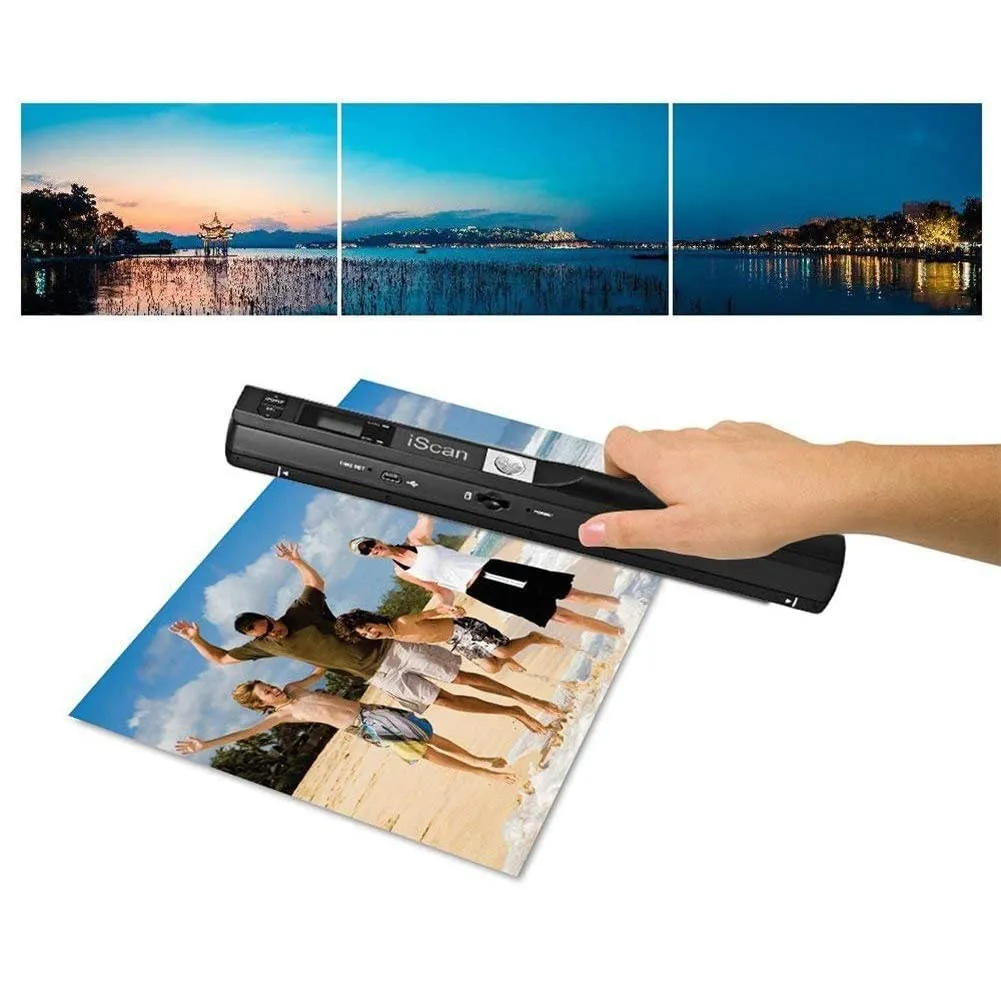
Portable Document Scanner
- Fast Scanning
- Portable Design
- 3 Resolution Modes