
AVIF To JPG Converter

Convert AVIF images into high-quality JPG images safely and locally in your browser.

Drag & Drop your AVIF image here

Supports .avif up to 50MB

Note: Some Android devices and browsers may automatically convert AVIF images to JPG or may not fully support AVIF files. For the best experience, use the latest Chrome, Edge, Firefox, Safari, or a desktop browser.
Original Image
AVIF Preview
File Name-
File Size-
Width-
Height-
Resolution-
Megapixels-
FormatAVIF
Aspect Ratio-
Transparency-
OrientationLandscape
Conversion Settings
Status: Ready 0%
Conversion Successful
Converted JPG Preview
JPG Preview
Original Size-
Converted Size-
Output FormatJPG
Width-
Height-
Resolution-
Megapixels-
Processing Time-
Compression Change-
StatusCompleted
Developed with ❤️ by Tool Kendre
Zoomed View

Introduction

The AVIF to JPG Converter is a powerful and easy-to-use online tool that converts your AVIF (AV1 Image File Format) images into high-quality JPG format in seconds. If you have an AVIF image that won’t open on your mobile, computer, social media, or in specific software, this tool is the perfect solution for you. It is free to use.
Nowadays, many websites and modern cameras use the AVIF image format because it delivers excellent image quality while maintaining a small file size. Howev er, issues arise when older devices, editing software, WhatsApp, or certain browsers do not support AVIF images. Consequently, users often need to convert AVIF files to JPG. Our AVIF to JPG converter tool transforms your AVIF images into high-quality JPGs without compromising quality—and without adding any watermarks. The tool processes images in a way that minimizes data loss, ensuring the image quality remains intact throughout the conversion.
Our AVIF to JPG converter completes the conversion in just a few seconds, requiring no technical knowledge. Simply upload your AVIF image, click the convert button, and download the high-quality JPG image. The tool operates without reloading the page, saving you time, and you can use it at any time without creating an account.
This tool maintains image quality at the highest possible level, ensuring the converted JPG image looks clear and professional. Additionally, the conversion process is fast, secure, and lightweight. There is no need to install any software; everything takes place directly within your browser. Since your AVIF image is not uploaded to any server, you can use this tool free of charge with complete peace of mind.

Features of AVIF To JPG Converter

How to Use This Tool

Example Calculation:

File Name Format Status
vacation.avif
AVIF
Not supported in some apps and devices.

Result:

File Name Format Status
vacation.jpg
JPG
Ready to open, edit, share, and upload anywhere.

Benefits of AVIF To JPG Converter

Frequently Asked Questions (FAQs)

AVIF is a modern image format that provides small file sizes along with high image quality.
During conversion, the tool attempts to maintain the maximum possible image quality.
Yes, you can use this tool completely free of charge.
No. This is a browser-based tool; no installation is required.
Yes, image processing takes place in a secure environment, and your privacy is respected.

You May Also Like

Explore more useful tools to simplify your everyday tasks.

PayPal Fee Calculator

Estimate PayPal Charges.

Crop Image Precisely

Trim Image Areas.

Pound To KG Convert

Convert Pounds To KG.

CSS Code Minifier

Minify CSS Code.

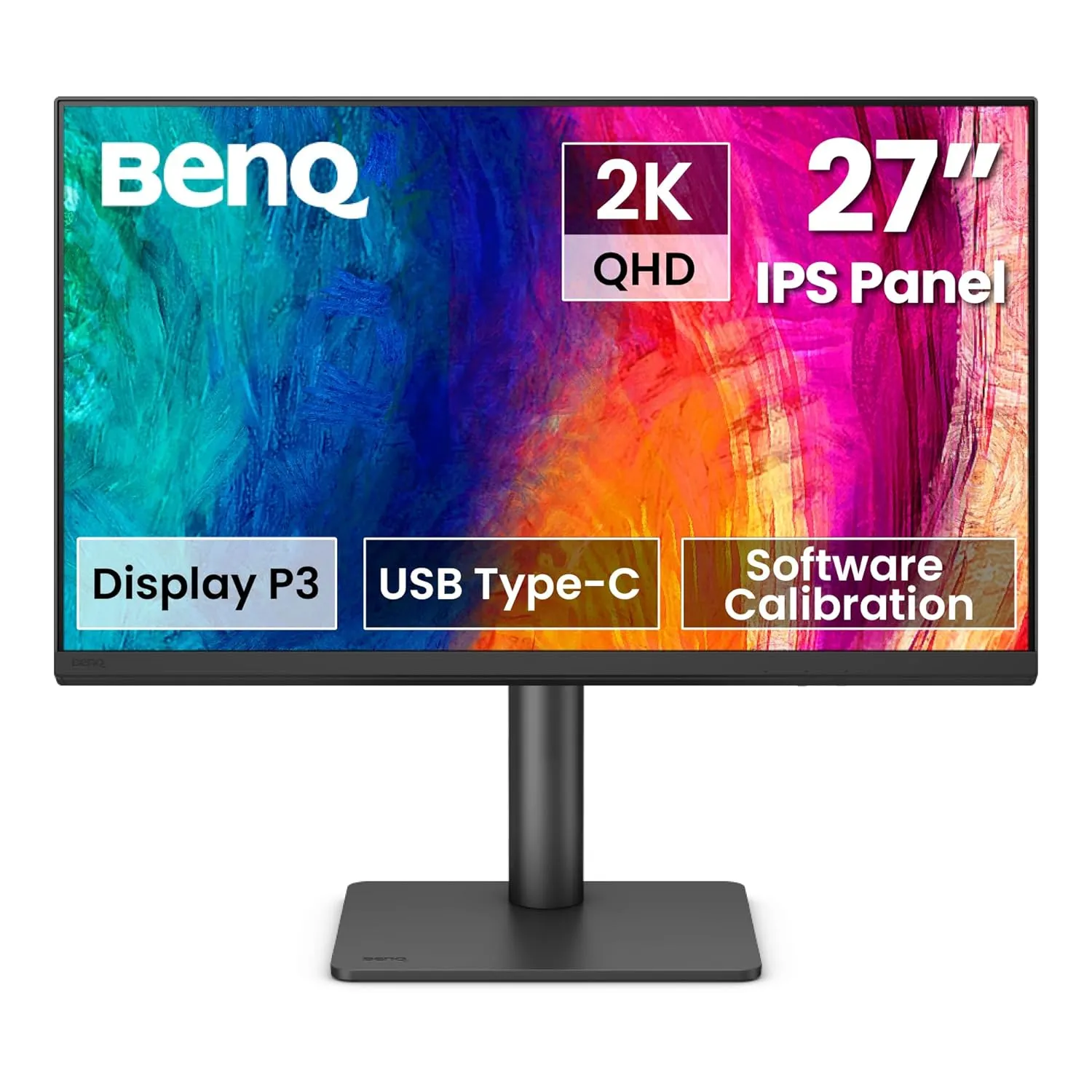
BenQ PD2705U Designer Monitor

BenQ PD2705U Designer Monitor

Scroll to Top