
PDF to JPG Converter
Convert PDF pages into high-quality JPG images directly in your browser securely.
Convert PDF to JPG
Drag & drop your PDF here or choose a file
Supported format: PDF • Processed securely in your browser
Developed with ❤️ by Tool Kendre
document.pdf
0 MB • 0 Pages
0 pages loaded
Converting page 1 of 1
0%
Converted Images
Introduction
In today’s digital era, PDF documents are used almost everywhere, yet there are times when we need to use PDF pages in image format. If you need to use a PDF page for a website, presentation, social media, product listing, documentation, or any image-based project, our PDF to JPG Converter is a simple, secure, and useful tool. With the help of this online PDF to JPG Converter, you can convert PDF pages into high-quality JPG images in seconds—without the need to download any complex software.
Tool Kendre’s PDF to JPG Converter processes PDF files directly within your browser. You can simply upload your PDF file or add it to the tool using the drag-and-drop method. Once the PDF is loaded, the tool automatically reads the document’s actual pages and displays a preview of each one. This allows you to see the total number of pages in the PDF and identify exactly which pages are being converted into JPG format before the process begins.
The PDF to JPG Converter tool includes a page selection option. You can select all pages using “Select All” or clear your selection with “Deselect All.” If you wish to convert only specific PDF pages to JPG, you can select the required pages using the individual checkboxes and then click the “Convert PDF to JPG” button. The tool will read and process the uploaded PDF file and convert it into JPG format within seconds.
When converting PDF to JPG, you can select the image resolution or scale—such as 1x Standard, 1.5x Medium, 2x High, or 3x Ultra. Additionally, you can adjust the image quality between 50% and 100% using the JPG quality slider, allowing you to manage image quality and file size according to your requirements. You can use this PDF-to-JPG converter tool without creating an account; there is no need to log in or sign up when downloading your files.
Features of PDF to JPG Converter
- PDF Upload
- Actual PDF Page Preview
- Page Selection
- Select All and Deselect All
- Resolution / Scale Options
- JPG Quality Control
- Conversion Progress
- JPG Preview
- Image Dimensions
- Individual Download
- Download All JPGs
How to Use This Tool
- Upload PDF
- Check the PDF pages
- Select pages
- Select the resolution
- Set the playback quality
- Convert Now
- Download JPG image
Example Calculation:
| Total PDF Pages | Selected Pages | Selected Pages | Resolution / Scale | JPG Quality | JPG Output |
|---|---|---|---|---|---|
|
10 |
3 |
2, 5, 8 |
2x (High) |
90% |
3 Images |
Result:
| Output | Page 2 | Page 5 | Page 8 |
|---|---|---|---|
|
3 JPG Images |
page-02.jpg |
page-05.jpg |
page-08.jpg |
Benefits of PDF to JPG Converter
- Easy to Use
- No Complicated Software
- Page Selection
- Quality Control
- Resolution Control
- Quick Preview
- Individual Downloads
- Bulk Download
- Browser-Based Processing
- Simple Workflow
Frequently Asked Questions (FAQs)
What is a PDF to JPG converter?
This is an online tool for converting PDF pages into JPG images.
Can selected PDF pages be converted?
Yes, you can convert by selecting the required pages.
Can all PDF pages be converted?
Yes, select all the pages using ‘Select All’.
Can you change the quality?
Yes, you can set the JPEG quality between 50% and 100%.
Can the PDF resolution be changed?
Yes, 1x, 1.5x, 2x, and 3x options are available.
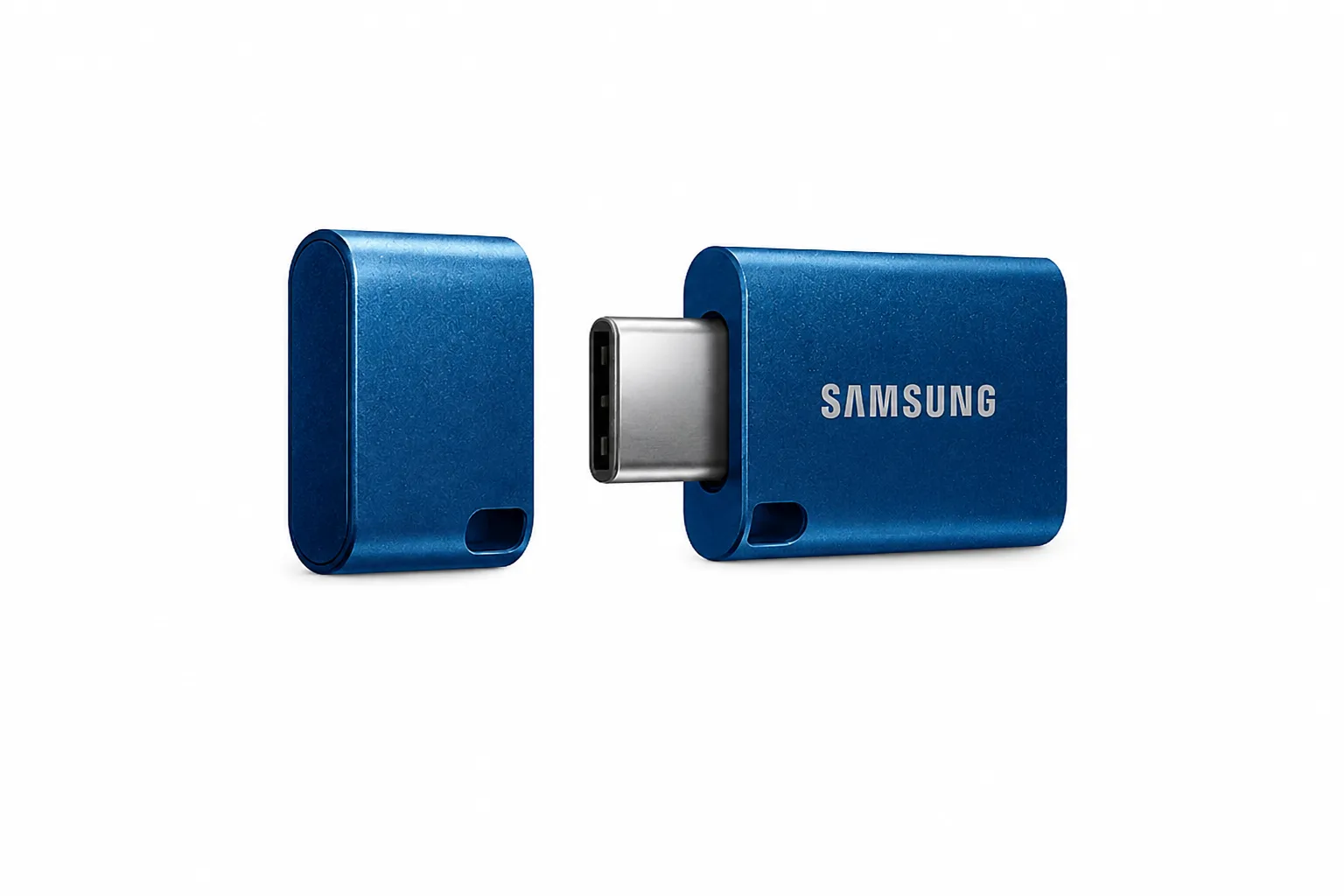
Samsung Type-C USB Flash Drive 64GB
- Fast USB-C Transfer
- 64GB Portable Storage
- Water & Shock Resistant