
SVG To PNG Converter
Convert SVG files into high-quality PNG images safely and locally in your browser.
Drag & Drop SVG file here
or click to browse from your device
Maximum file size: 50 MBImage Information
File Name
-
File Size
-
Image Width
-
Image Height
-
Resolution
Vector
Megapixels
-
Format
SVG
Aspect Ratio
-
Color Profile
sRGB
Orientation
-
Converter Controls
PNG Image (.png)
Read Only
Preserve background alpha transparency
Maintain pixel-perfect native scale
ON
Engine Status:
Ready
Conversion Successful
Export Ready for Download
.png
Details copied to clipboard!
Result Information
Original Size
-
Converted Size
-
Output Format
PNG
Image Width
-
Image Height
-
Resolution
300 DPI
Megapixels
-
Processing Time
-
Transparency
Enabled
Status
100% Success
Developed with ❤️ by Tool Kendre
Introduction
The SVG to PNG Converter is a fast, secure, reliable, and easy-to-use online tool that converts your SVG (Scalable Vector Graphics) files into high-quality PNG images. Whether you are a web designer, graphic designer, developer, student, or a general user looking to convert an SVG file to PNG format, this tool is the perfect choice for you. A key feature of this tool is that the conversion takes place directly within your browser; consequently, your files are not uploaded to any server, ensuring your privacy remains completely secure.
SVG is a vector image format that can be scaled to any size without losing quality. However, many applications, social media platforms, image editors, and devices do not directly support SVG. In such situations, the PNG format is the most useful option because it is compatible with almost every operating system, browser, and software. With the help of this tool, you can convert SVG to PNG in just a few seconds while preserving the original image’s quality and dimensions. You can use the SVG to PNG Converter tool for free, and for an unlimited number of times.
The SVG to PNG converter tool offers useful features such as drag-and-drop upload support, image preview, zoom preview, custom file naming, a transparent background option, multiple quality settings, and instant downloads. You can use this converter without needing an account, login, or sign-up.
You can preview the image before conversion and verify the result before downloading it. No software installation is required to use this tool; simply open your browser, upload the SVG file, and download the PNG image. This tool works smoothly on all devices, including Windows, macOS, Linux, Android, and iPhone.
Features of SVG To PNG Converter
- High-Quality PNG Output
- Original Resolution Preserved
- Image Preview
- Zoom Preview
- Custom File Name
- Instant Download
- Copy Image Details
- No Watermark
- Fast Processing
- Secure Local Conversion
- 100% Free
How to Use This Tool
- Upload the SVG file
- Check the image preview
- Select the quality
- Choose a transparent background
- Click the 'Convert Image' button
- View the PNG preview
- Customize the file name
- Click 'Download PNG
- Use 'Copy Details' if needed
Example Calculation:
| File Format | Image Size | Dimensions | Quality | Transparency |
|---|---|---|---|---|
|
SVG |
850 KB |
1920 × 1080 px |
High |
Enabled |
Result:
| Output Format | Original Dimensions | Image Quality | Transparent Background | Download Status |
|---|---|---|---|---|
|
PNG |
Preserved |
High |
Enabled (Optional) |
Ready |
Benefits of SVG To PNG Converter
- No Software Required
- Fast Image Conversion
- High-Quality Output
- Safe & Secure
- Original Quality Maintained
- Supports Large SVG Files
- Easy to Use
- No Watermark
- Unlimited Conversions
Frequently Asked Questions (FAQs)
Is this SVG to PNG Converter free?
Yes, this tool is completely free to use.
Are my files uploaded to a server?
No. All processing happens locally inside your browser.
Can I change the output file name?
Yes. You can enter a custom PNG file name before downloading.
Do I need to install any software?
No. Everything works directly in your web browser.
Which browsers are supported?
Chrome, Edge, Firefox, Safari and other modern browsers are supported.
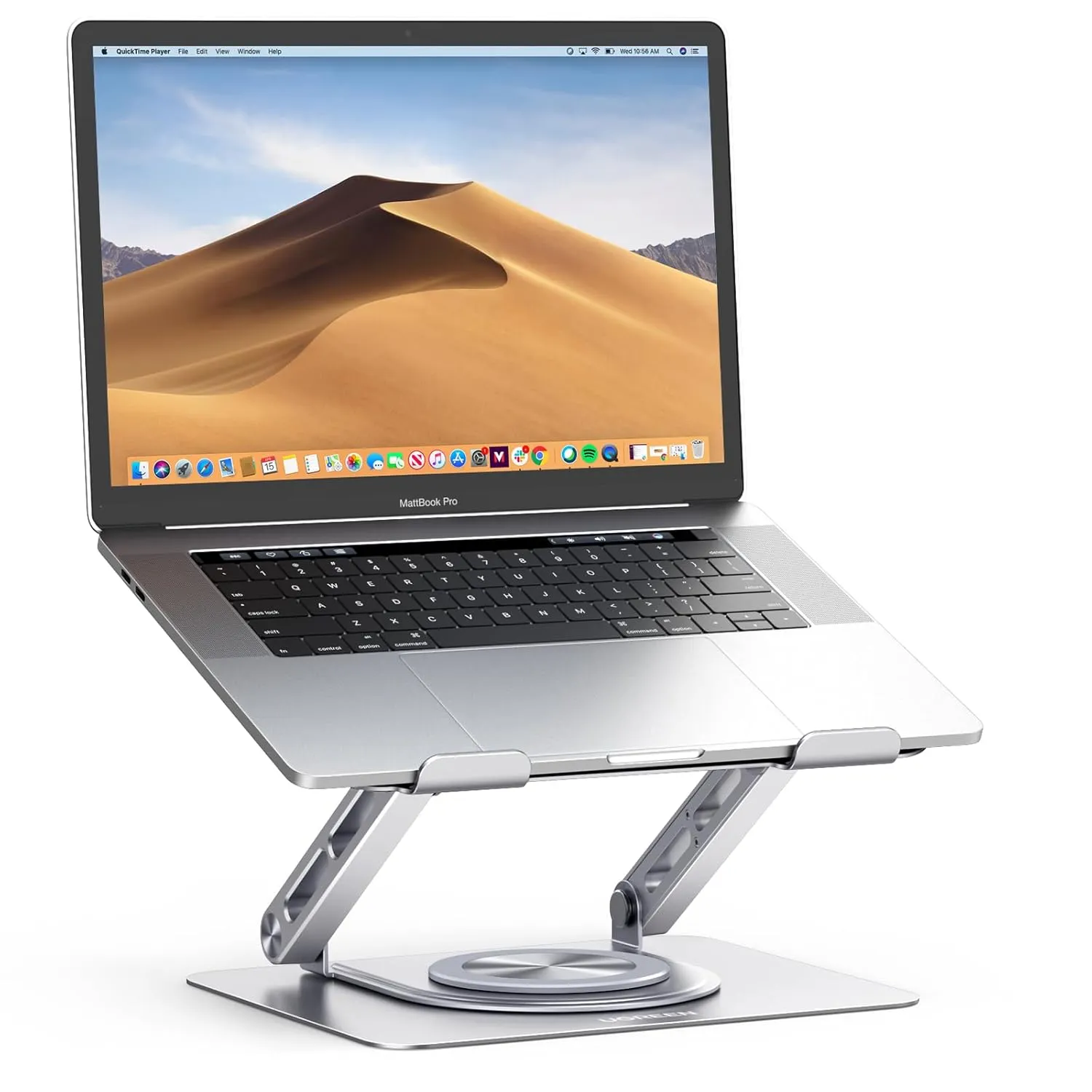
UGREEN 360° Rotating Laptop Stand
- 360° Rotating Ergonomic Stand
- Fits Laptops up to 17.3"
- Stable Design with Better Cooling