
PNG To SVG Converter
Convert PNG images into scalable SVG files safely and locally in your browser.
Drag & Drop your PNG here
or click to browse (Max 50MB)
Original Image
![PNG Preview]()
File Name
-
File Size
-
Image Width
-
Image Height
-
Resolution
-
Megapixels
-
Format
PNG
Aspect Ratio
-
Color Profile
sRGB
Orientation
-
Color Depth
24-bit TrueColor
Compression
Deflate (PNG)
Preserve Original Dimensions
ON
Transparent Background Detection
ON
Ready
0%
Conversion Successful! Your SVG is ready for download.
Converted Image
Original Size
-
Converted Size
-
Output Format
SVG
Processing Time
-
Vector Nodes
Optimized
Compression
Lossless SVG
Status Code
200 OK
Vector Quality
High Fidelity
Developed with ❤️ by Tool Kendre
Introduction
The PNG to SVG Converter is a simple and easy-to-use online tool designed to convert PNG images into the SVG format. If you have a PNG image and want to quickly and freely convert or use it as an SVG file, this tool helps you manage the conversion process efficiently. Since SVG is commonly used for websites, graphics, logos, icons, and digital designs, converting from PNG to SVG can be highly useful for many users.
With this PNG to SVG converter, you can directly upload your PNG image or add it to the tool using drag-and-drop. The tool accepts PNG files and supports a maximum file size of 50MB. After uploading the image, you can view a preview along with key details such as file name, size, width, height, resolution, megapixels, format, aspect ratio, orientation, and color information. You can view all these details about your image using the PNG to SVG converter tool—completely free of charge.
The PNG to SVG converter tool features a Vectorization Mode option, offering High Quality, Detailed, and Simple modes. This allows users to select the mode best suited to their specific conversion requirements. The tool also provides options such as preserving original dimensions and detecting transparent backgrounds. You can use the PNG to SVG converter without creating an account or logging in; simply open the tool in your browser, select your preferred settings, and download the converted image.
This tool features a beginner-friendly interface, so using it requires no complex software or technical expertise. After uploading a PNG image, the tool displays detailed information before conversion, allowing you to verify the image effectively; you can then simply click the “Convert Image” button to start the process. During processing, the status and progress percentage are displayed, making it easy for the user to track the current state of the conversion.
Features of PNG To SVG Converter
- PNG to SVG Conversion
- Live Image Preview
- File Details
- High Quality Mode
- Detailed Mode
- Simple Mode
- Transparent Background
- Conversion Progress
- SVG Preview
- Custom Filename
- Processing Time
- Vector Quality
How to Use This Tool
- Upload PNG Image
- View image preview
- Select mode
- Click Convert
- Check SVG preview
- Set filename
- Download SVG
Example Calculation:
| Input | Dimensions | Mode |
|---|---|---|
|
logo.png |
1200 × 800 px |
High Quality |
Result:
| SVG | Status | Processing Time |
|---|---|---|
|
logo.svg |
✅ Conversion Successful |
1.02 seconds |
Benefits of PNG To SVG Converter
- Fast PNG to SVG Conversion
- Easy to Use
- Live Image Preview
- Image Details View
- Multiple Modes
- SVG Preview
- Custom Filename
- One-Click Download
- Copy File Details
- Secure Browser Processing
- Time Saving
- No Software Required
Frequently Asked Questions (FAQs)
What is the PNG to SVG converter?
This tool is used to convert PNG images to the SVG format.
Is this tool free?
Yes, the online tool can be used for SVG conversion.
Which are the vectorization modes?
High-quality, detailed, and simple modes are available.
Can you view the image details?
Yes, file size, dimensions, megapixels, aspect ratio, and other details are displayed.
Can custom SVG files be provided?
Yes, you can enter a custom filename before downloading.
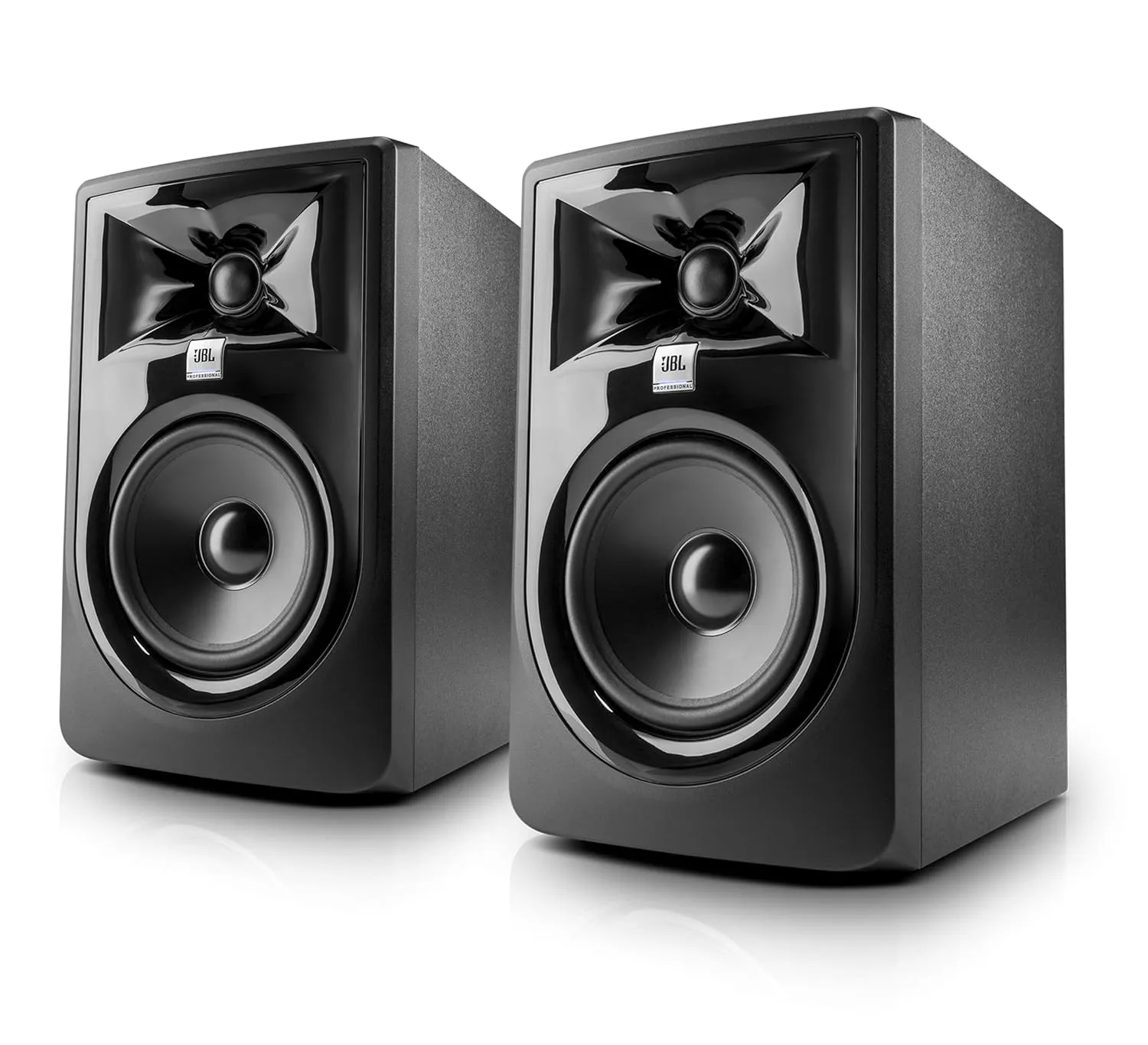
JBL 305P MkII Studio Monitor
- 5-Inch Studio Monitor with Clear Sound
- 82W Class-D Amplifier for Powerful Audio
- Wide Frequency Response (49Hz–20kHz)