
PDF File Merger
Combine multiple PDFs into one document
Private & Local
Drop your PDF files here
Combine multiple documents into one polished PDF securely in your browser.
PDF only • Processed locally on your device
Your PDF files
Merge settings
.pdf
PDF files
0
Total size
0 KB
Your files never leave your device. PDFs are processed securely in your browser.
Merging your PDFs
PDF merged successfully
Your documents are ready to download
merged-pdf.pdf
0 KB
We couldn't merge these PDFs
One of the files may be corrupted or password protected.
Introduction
PDF File Merger is a simple, secure, fast, and convenient browser-based tool designed to help you combine multiple PDF files into a single PDF document. If you have numerous separate PDF documents and wish to organize them into one file, PDF File Merger can significantly simplify your workflow. With this tool, you can select multiple PDF files, arrange them in your preferred order, and then create a combined PDF file.
The interface of the PDF File Merger tool has been designed to be exceptionally simple and user-friendly, ensuring that anyone—from beginners to professionals—can use it with ease. You can upload PDF files directly or use the drag-and-drop feature. After adding the files, you can rearrange their order, remove unwanted PDFs, and add additional files as needed, giving you full control over the sequence of the final merged document.
This free PDF merger tool from Tool Kendre is useful for users who wish to combine invoices, reports, assignments, business documents, project files, applications, certificates, scanned documents, and other PDF files into a single document. Having a combined PDF—rather than managing multiple files individually—makes the processes of sharing, downloading, storing, and organizing much easier. Once you upload your files to the PDF File Merger tool, you retain full control over them.
The PDF File Merger tool is highly useful for both personal and professional purposes. Students can combine their notes and assignments, businesses can merge reports and invoices, freelancers can organize client documents, and general users can consolidate multiple PDF documents into a single, manageable file. You can use the PDF File Merger tool without creating an account; simply upload the PDF files, rearrange them, click the “Merge PDF Files” button, and download the merged PDF file with a single click.
Features of PDF File Merger
- Multiple PDF Files Merge
- Browse PDF Files
- PDF File Validation
- File Size Display
- Total File Size
- PDF File Count
- Drag & Drop Reordering
- Move Up & Down
- Custom Output Filename
- Merge Status
- Error Handling
- Download Merged PDF
How to Use This Tool
- Open the PDF file merger
- Click on 'Browse files'
- Select multiple PDF files
- Check the order of uploaded files
- Enter the output file name
- Click on 'Merge PDF files'
- Click on 'Download PDF'
- Save the merged PDF
Example Calculation:
| PDF Files | File Size | Pages | Order |
|---|---|---|---|
|
2 PDFs |
3.5 MB |
8 Pages |
Invoice → Report |
Result:
| Output File | Total Size | Total Pages | Status |
|---|---|---|---|
|
merged-pdf.pdf |
3.5 MB |
8 Pages |
Successfully Merged |
Benefits of PDF File Merger
- Easy PDF Merging
- Fast Workflow
- Multiple Files Support
- Easy File Reordering
- Custom Filename
- Quick Download
- Better Document Organization
- Saves Time
- Convenient PDF Management
Frequently Asked Questions (FAQs)
What is a PDF file merger?
Merges multiple PDF files into a single file.
Can multiple PDFs be merged?
Yes, you can merge multiple PDF files.
Can the PDF order be changed?
Yes, you can change the order before the merge.
Can the PDF be removed?
Yes, you can remove unwanted PDFs.
Can the output filename be changed?
Yes, you can set a custom filename.
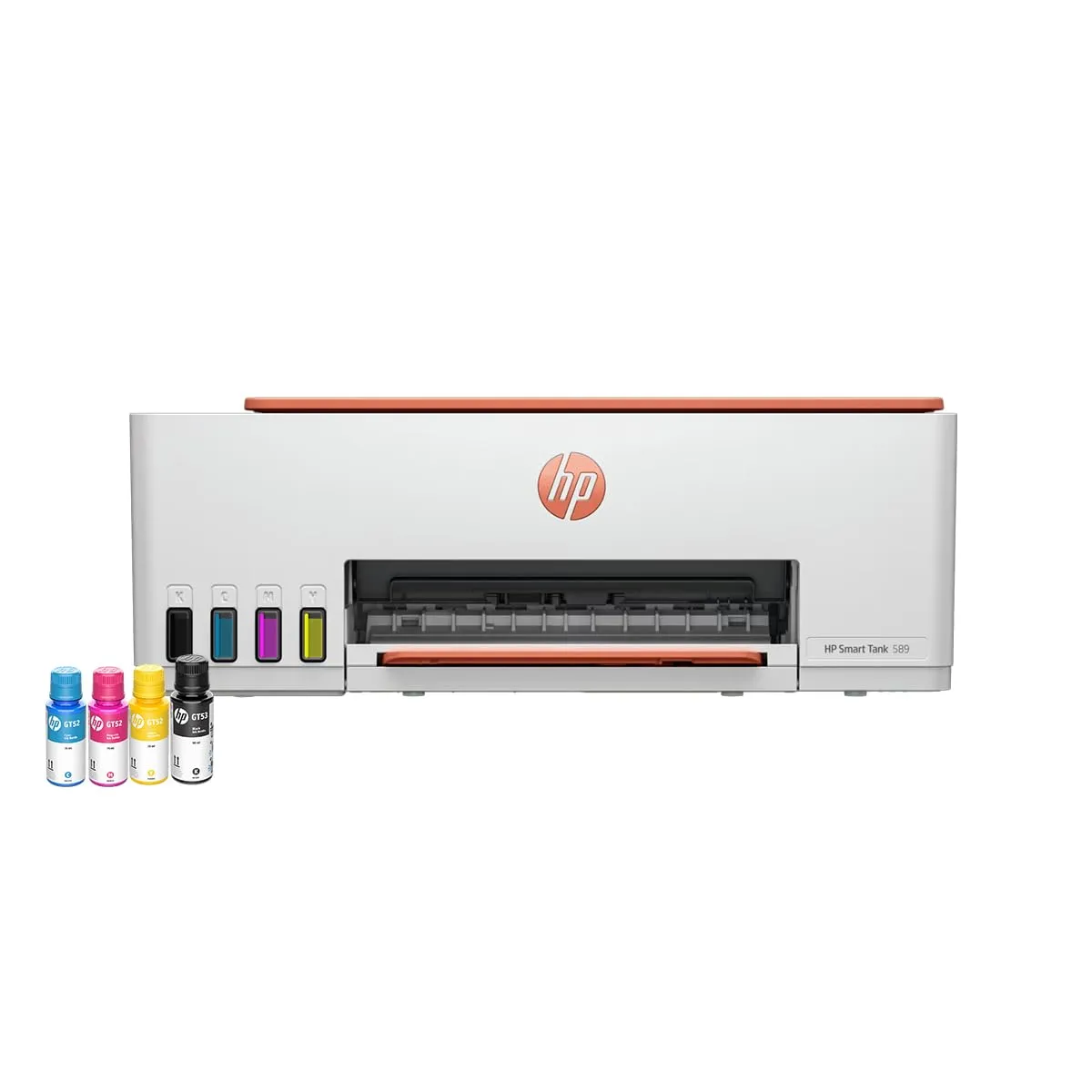
HP Smart Tank 589 WiFi Printer
- Print, Scan & Copy
- WiFi + USB Connectivity
- 30 ppm Black Printing