
PNG to JPG Converter
Convert your PNG files safely and locally in your browser
Drag & Drop PNG Image Here
Supported Format: PNG | Maximum Size: 15 MB
Source Image
File Name
-
Size
-
Dimensions
-
Megapixels
-
Preparing...
0%
Conversion Successful
Converted Result
Original Size
-
Converted Size
-
Format
-
Resolution
-
Megapixels
-
Processing Time
-
Developed with ❤️ by Tool Kendre
Introduction
The PNG to JPG Converter
is a fast, secure, and browser-based online tool that converts your PNG images into JPG, JPEG, WEBP, or BMP formats in just a few seconds, with minimal loss in image quality. A key feature of this tool is that the conversion process takes place entirely within your browser, meaning your images are never uploaded to a server. This ensures both your privacy and data security are maintained. The tool does not save any images to a database.
If you are a website developer, blogger, graphic designer, student, or a general user looking to convert PNG images into another format, this PNG to JPG Converter
tool is the perfect choice. It offers useful features such as drag-and-drop uploading, image preview, image quality selection, background options, a progress bar, zoom preview, file details, processing time display, and one-click downloading.
The tool is lightweight, requires no installation, and runs smoothly on all devices, including Windows, Mac, Android, and iPhone. There is no need to download the tool; simply visit the website, select the tool that suits your needs, enter the required details, and the tool will generate the result within seconds—all without requiring any login or sign-up.
Features of PNG to JPG Converter
- Convert PNG to JPG, JPEG, WEBP, and BMP formats
- 100% Browser-Based Conversion
- The image is not uploading to the server
- Fast and secure local processing
- Drag-and-drop upload support
- Zoom Preview feature
- It automatically detects the file name
- It displays file size information
- Displays image dimensions
- Processing Time Display
How to Use This Tool
- Upload PNG Image
- Select Output Format
- Choose Image Quality
- Select Background Option
- Click Convert Image
- Wait for Conversion
- Preview Converted Image
- Rename Output File
- Click Download Image
- Save Image to Your Device
Example Calculation:
| Image Type | Original Size | Resolution | Quality |
|---|---|---|---|
|
Product-Photo.png |
4.8 MB |
3000 × 2000 px |
High |
Result:
| Image Type | Converted Size | Resolution | Format |
|---|---|---|---|
|
Product-Photo.jpg |
1.6 MB |
3000 × 2000 px |
JPG |
Benefits of PNG to JPG Converter
- Fast image conversion
- Safe and secure processing
- No image upload to the server
- Better privacy protection
- High-quality output
- Multiple output formats
- No watermark
- No signup required
- Instant download
- Time saving
- Professional quality conversion
Frequently Asked Questions (FAQs)
Is this PNG to JPG Converter free?
Yes, you can use this tool completely for free.
Is my image uploaded to the server?
No, the conversion takes place within the browser.
Which output formats are supported?
You can convert to JPG, JPEG, WebP, and BMP formats.
Can you select the image quality?
Yes, high, medium, and low-quality options are available.
Is registration mandatory?
No, you can use the tool directly without creating an account.
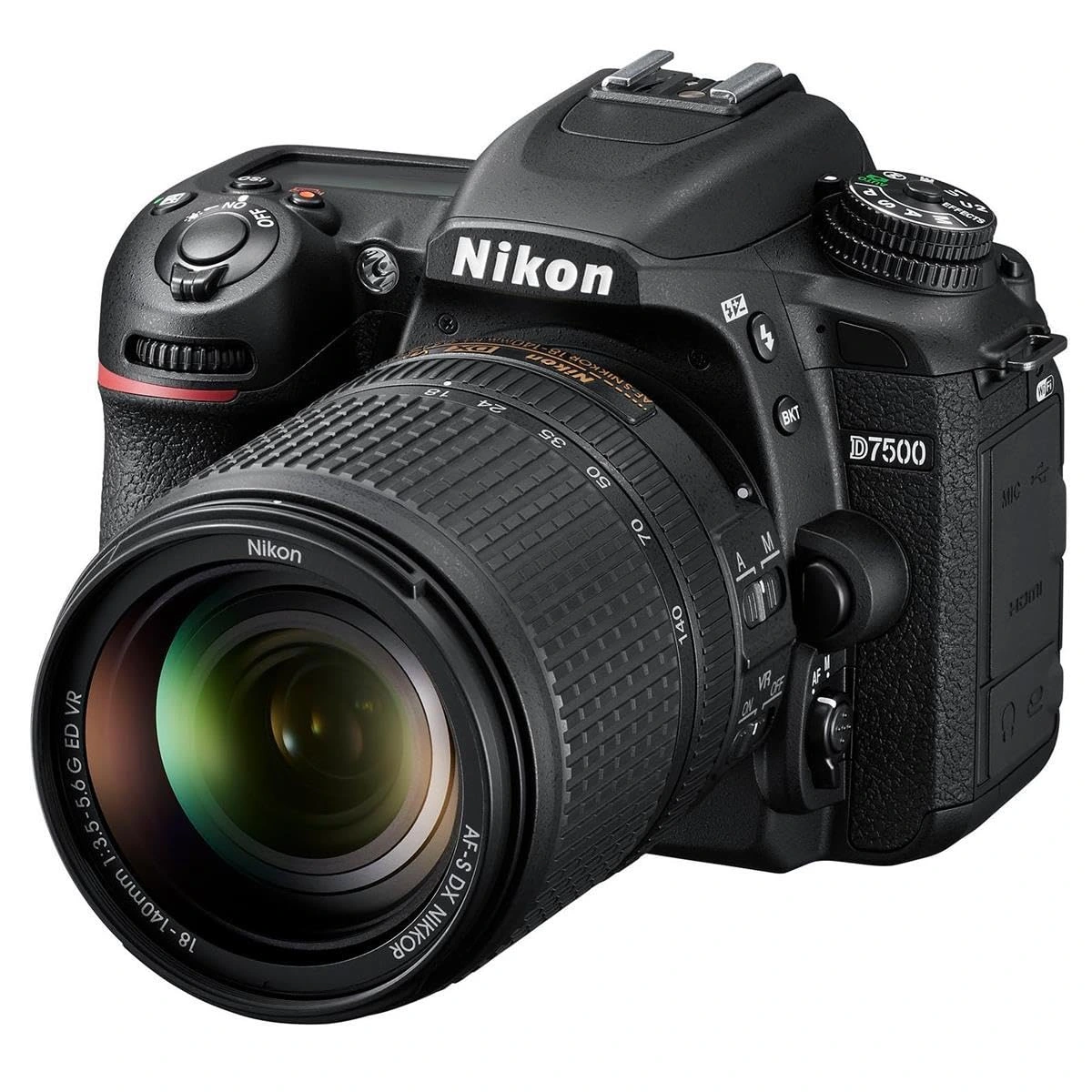
Nikon D7500 Camera
- 20.9MP DX CMOS Sensor & 4K UHD Video
- 4K UHD Video Recording
- 51-Point Fast Autofocus System